Meta and Microsoft have updated Quest’s Virtual Display with camera and microphone forwarding to PC apps, wired USB streaming, and two-way input forwarding.
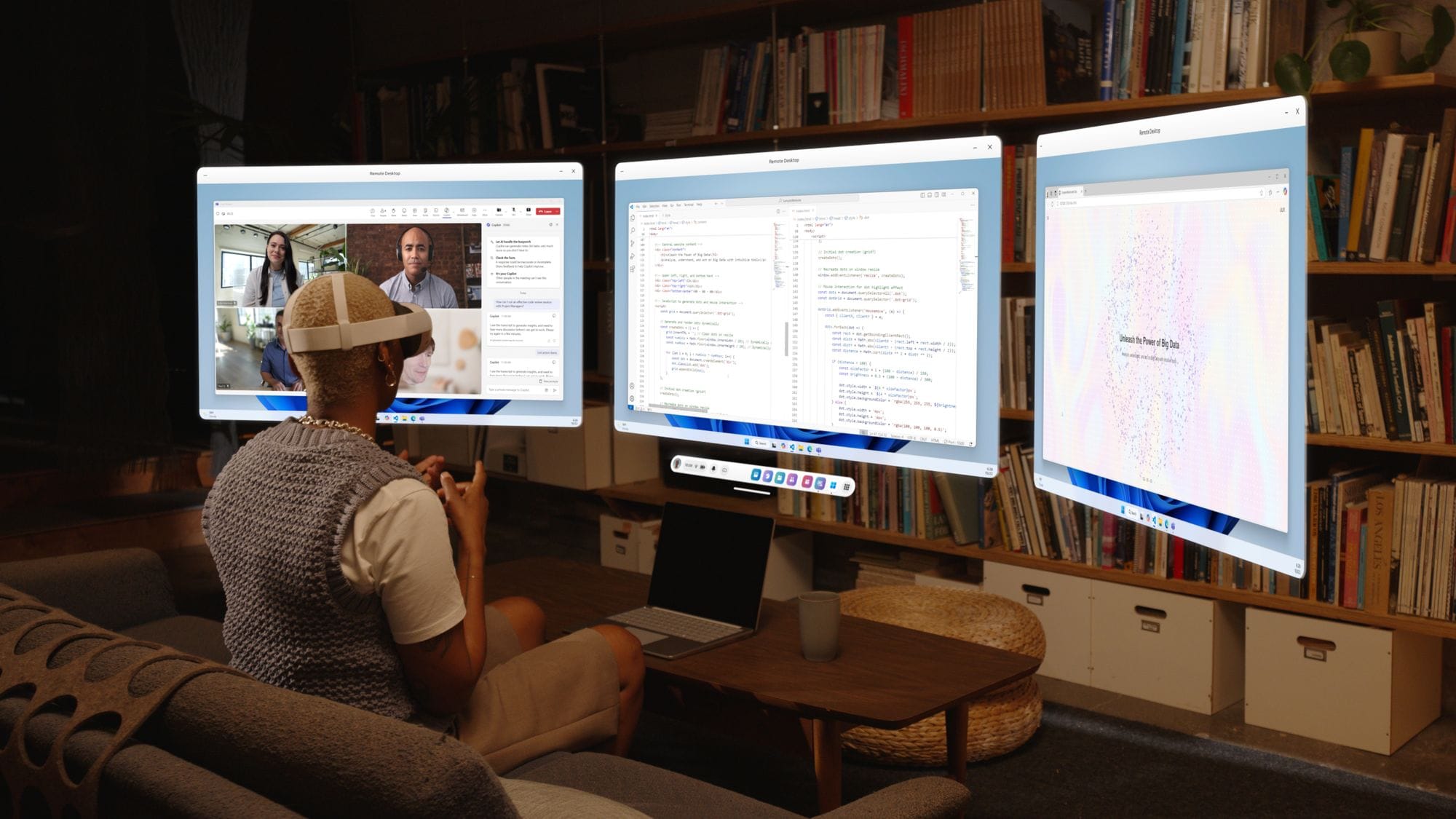
Virtual Display, formerly known as Remote Desktop, is Meta’s first-party display-mirroring app on Quest headsets. It works with Windows and Mac devices. In Horizon OS 2.7, Meta also merged Meta Quest HDMI Link’s functionality into it, effectively creating a single app for multiple screen-mirroring use cases.
Meta and Microsoft’s longstanding partnership has brought additional features to Virtual Display on Quest 3 or 3S when used with the Mixed Reality Link PC app on Windows 11.
These have included simplified connections, hand and controller input forwarding, and virtual ultrawide support, though some of these features have since become available on devices that don’t use Mixed Reality Link.
Quest 3’s Windows 11 Remote Desktop Gets Aspect Ratio Setting & Ultrawide Mode
The official Windows 11 Remote Desktop of Horizon OS now has 21:9 and 3:4 aspect ratio options, as well as an enveloping visionOS-like Ultrawide Mode.
Camera & Microphone Forwarding
A September update to Virtual Display and Mixed Reality Link introduced the ability to use the connected headset’s cameras on the host PC.
This means Windows can access your headset’s forward-facing passthrough cameras, letting you share your view with others or select the cameras as a video source in compatible apps.
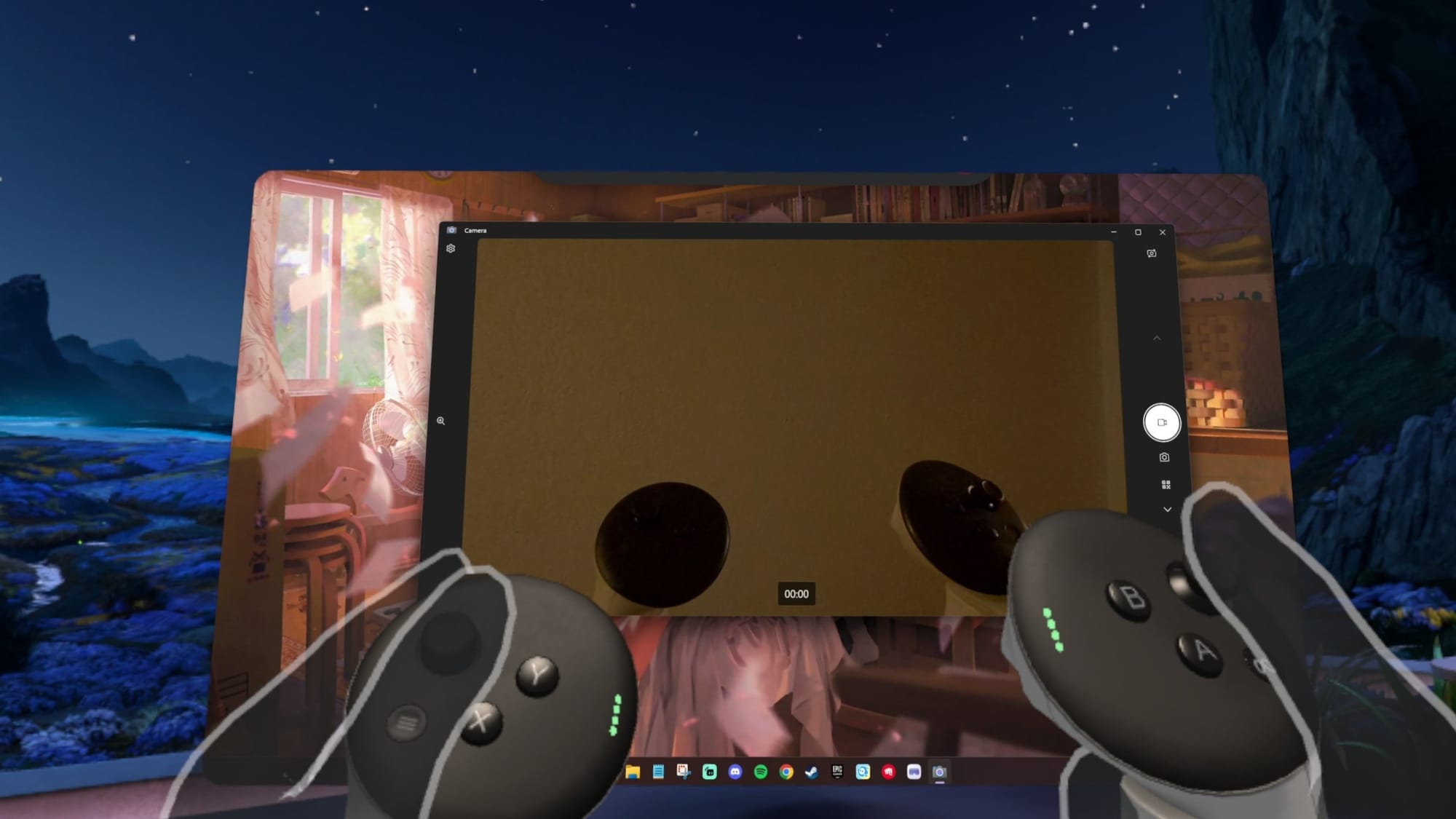
You can also select the headset’s virtual front-facing cameras as a video source to use your Meta Avatar in Windows apps such as Discord or Zoom.
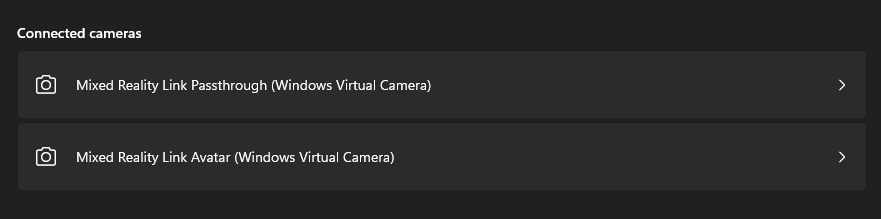
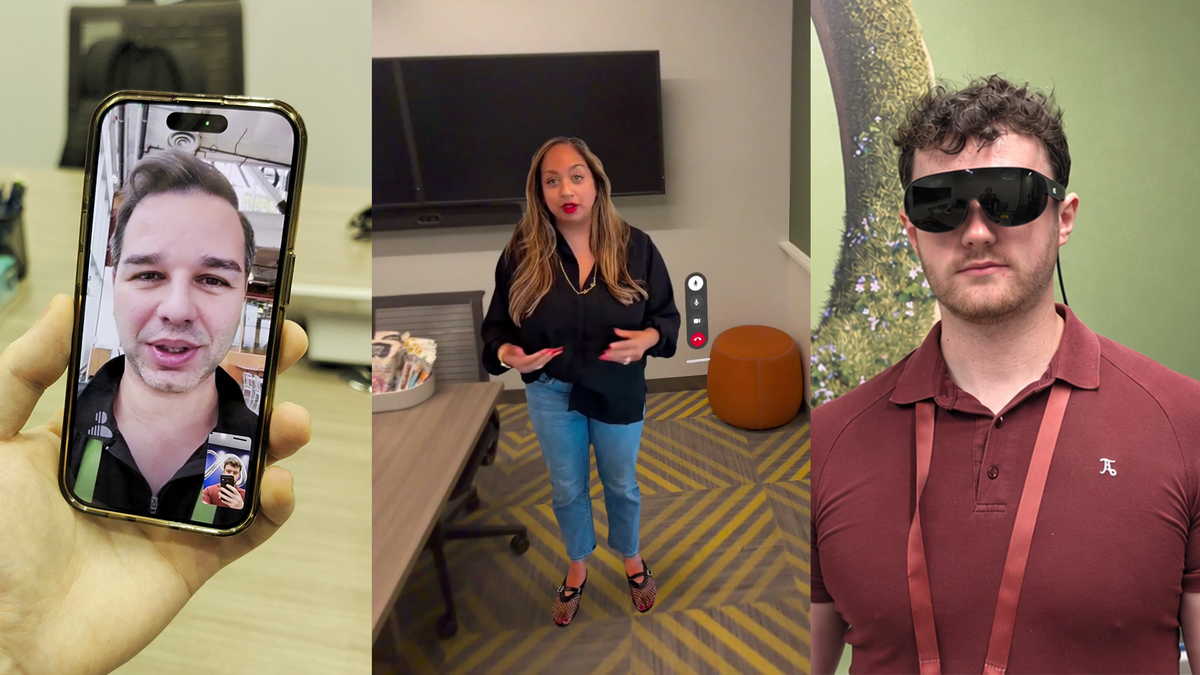
This is also in line with Horizon OS 2.10, which added the ability to make video calls as your avatar in the Chats app. Meta first introduced this ‘Selfie Camera’ functionality in v76 PTC over a year ago, and it is now used by third-party apps such as Discord and Zoom.
Both Meta’s implementation of the feature in its first-party Chats app and Microsoft’s implementation in Mixed Reality Link could lay the groundwork for the upcoming Hologram Calling feature on Meta VR Glasses.
Hologram: Meta Is Finally Set To Ship Realistic Avatars, And We Tried Them
Meta finally set a concrete timeline to ship realistic avatars, shoulders-up on Meta Ray-Ban Display and then full-body on Meta VR Glasses. We briefly tried both at Connect.
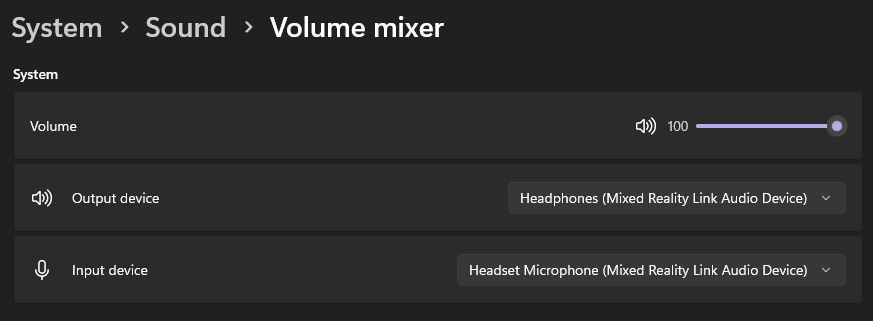
Mixed Reality Link now also supports microphone forwarding. The app has long supported using your headset’s speakers as a PC audio output, but now you can use your headset’s microphone as a PC audio input as well.
Wired USB Support
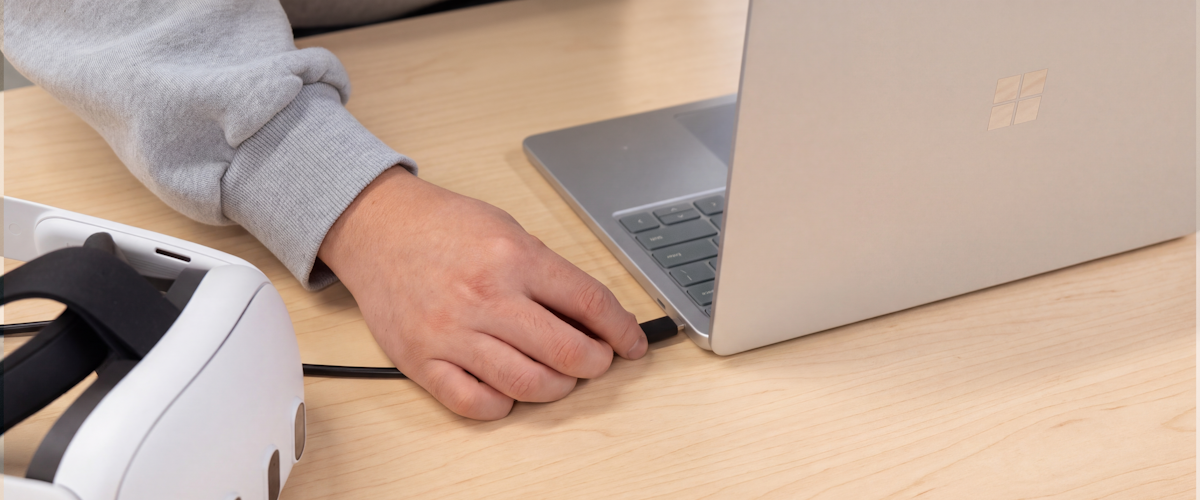
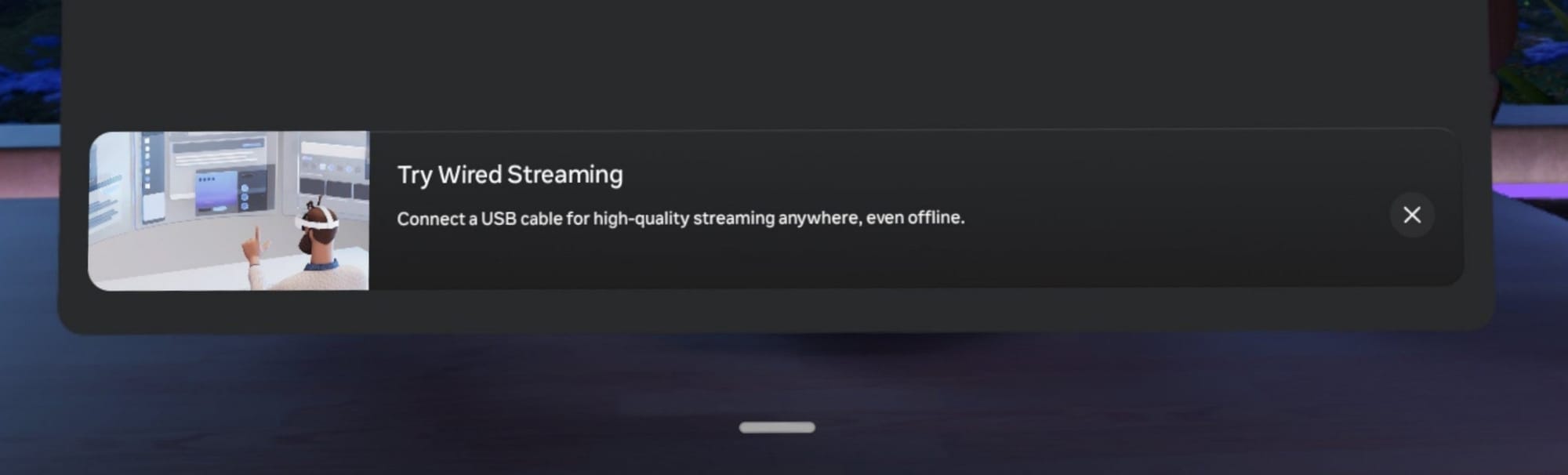
An update earlier this month introduced wired USB streaming for Virtual Display and Mixed Reality Link.
Microsoft says this is intended as another option when network conditions are poor, when public Wi-Fi prevents devices from communicating with each other, or when users are traveling without internet access.
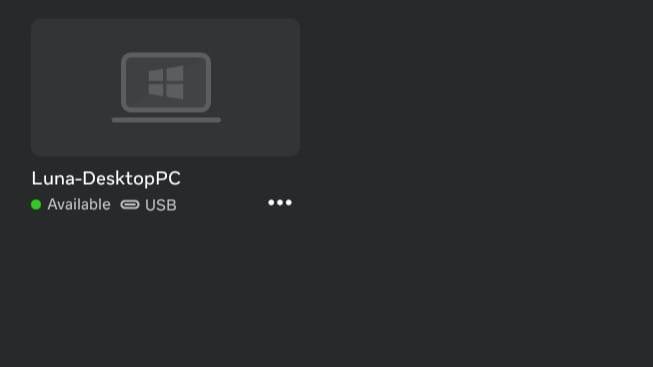
The company says that unlike wireless pairing, first-time USB connections do not require scanning a QR code or entering a PIN.
This leverages the same USB NCM permission added to Quest in Horizon OS 2.5 and later supported by Valve’s Steam Link and Virtual Desktop in the latter’s beta channel.
Two-Way Input Forwarding
Meta and Microsoft appear to be rolling out a currently undocumented two-way input forwarding feature in Virtual Display and Mixed Reality Link under a setting called Computer Inputs.
Previously, Virtual Display and Mixed Reality Link confined the host PC’s mouse and keyboard to the Windows desktop. To interact with Horizon OS on your headset, you had to switch back to hand tracking or controllers, or use a separate mouse and keyboard connected directly to your headset to control both the headset and the PC.
Now, Virtual Display allows you to use your host PC’s mouse and keyboard to move beyond the desktop window and control your headset, as though those peripherals were connected directly to it.
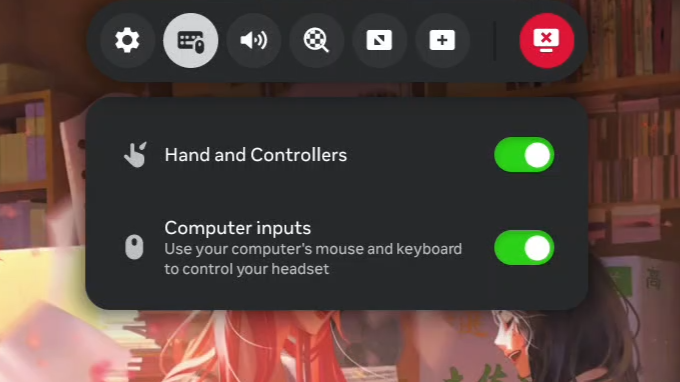
This greatly improves input flexibility, as you no longer need to switch to hand tracking or pick up controllers to interact with 2D windows on your headset. It also unlocks new multitasking capabilities, as you can have some apps running on your PC and others running on your headset, and interact with them using the same input methods. You can also turn the toggle off if you prefer your inputs to be locked to the Windows desktop.
In my testing, the feature works as expected, though using Touch controllers while the headset is connected to the host PC can sometimes cause the mouse cursor to disappear from the headset’s UI. It is also worth noting that disabling the Computer Inputs toggle has no effect on a mouse and keyboard connected to your headset.
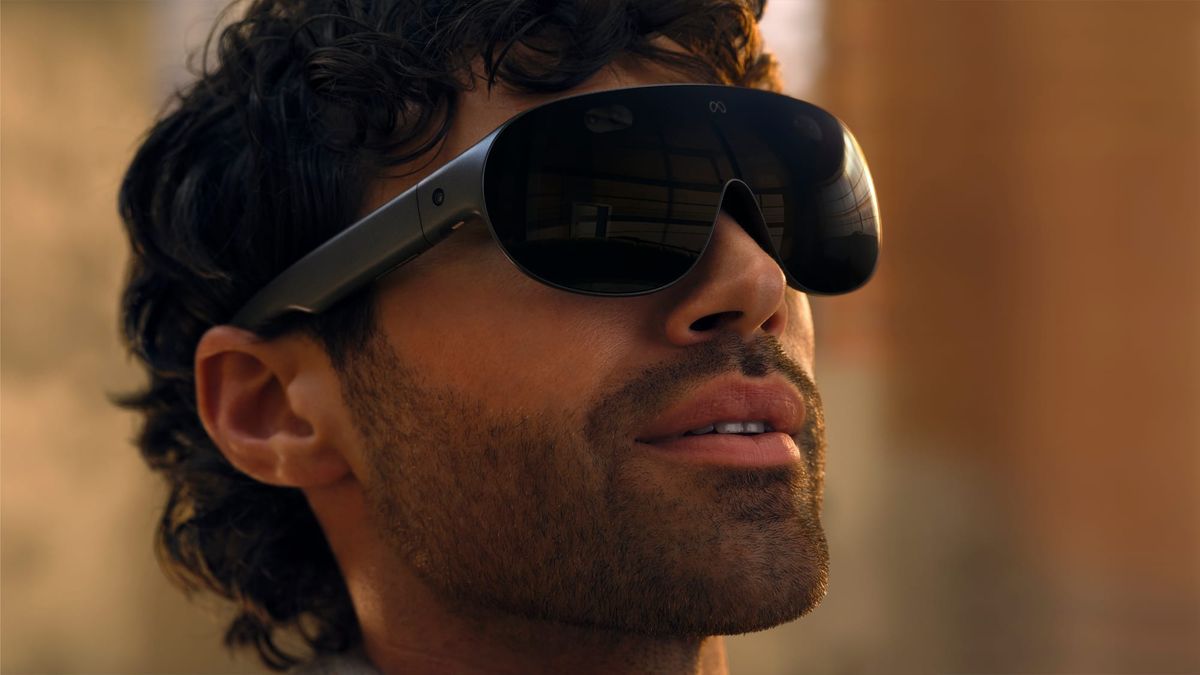
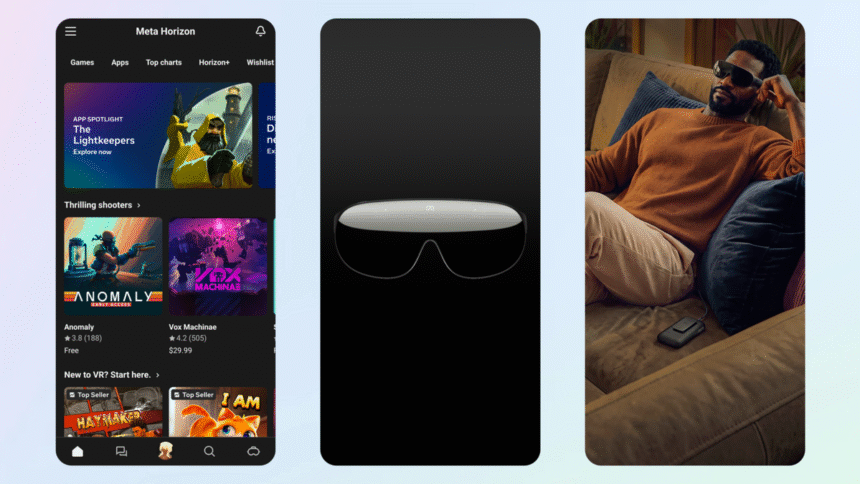
These improvements come as Meta VR Glasses approach their spring 2027 launch with productivity among their marketed use cases. Notably, the puck supports DisplayPort input, allowing the glasses to be used as a display for a Mac, Windows PC, or console.
Meta VR Glasses Officially Announced, Shipping Spring 2027 For $1300
Meta VR Glasses have 2.4K micro-OLED displays, weigh 100 grams, and are powered by a tethered puck with Qualcomm’s Snapdragon Reality Elite chipset.