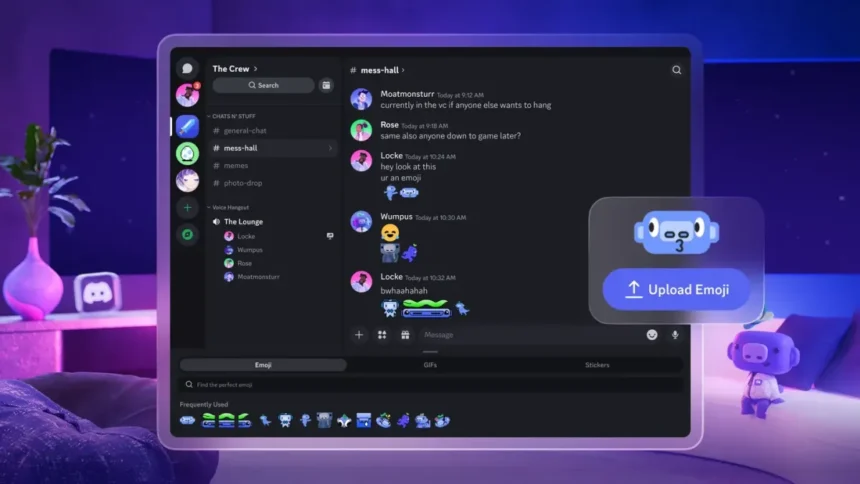
Discord is now available as a 2D app on Meta Quest headsets. It supports streaming and comes with a month of Nitro, but is currently in a rough technical state.
Meta first announced that Discord was coming to Quest during its Connect 2025 conference back in September. Then, in December, the two companies rolled out the ability to link Discord to your Meta account to share to your status which Quest app you’re currently in, letting your friends know what VR game you’re playing.
Now, the Discord app for Quest has arrived on the Meta Horizon Store.
You Can Now Share Your Quest Activity As Your Discord Status
You can now link your Meta account to Discord to share what Quest app or Horizon World you’re currently in as your status.
With the Discord app you can participate in both text and voice chats on the platform, as well as watch friends’ livestreams – and even stream your own first-person VR perspective to friends. Previously, this required a janky workaround of casting your Quest’s view to your PC’s web browser, and then using the desktop version of Discord. But now you can do it completely standalone.
To be clear, you have been able to use Discord on Quest via the web browser for a long time now. The Horizon OS web browser can run in the background, either minimized or pinned. But the microphone behavior for the browser isn’t always consistent, and the app seems to affect the performance of your VR game less, as well as uniquely supporting the streaming feature and proper system-level notifications.
And by downloading and signing into the Quest app, until September 30, you should get one month of Nitro, Discord’s premium subscription which offers perks like HD streaming, larger file uploads, and greater profile customization. For me, this appeared as a notification for the Meta Horizon smartphone app, where I could redeem it.
(Unfortunately, some user reports suggest that if you already have Nitro, you don’t get an extra month – you just get nothing.)
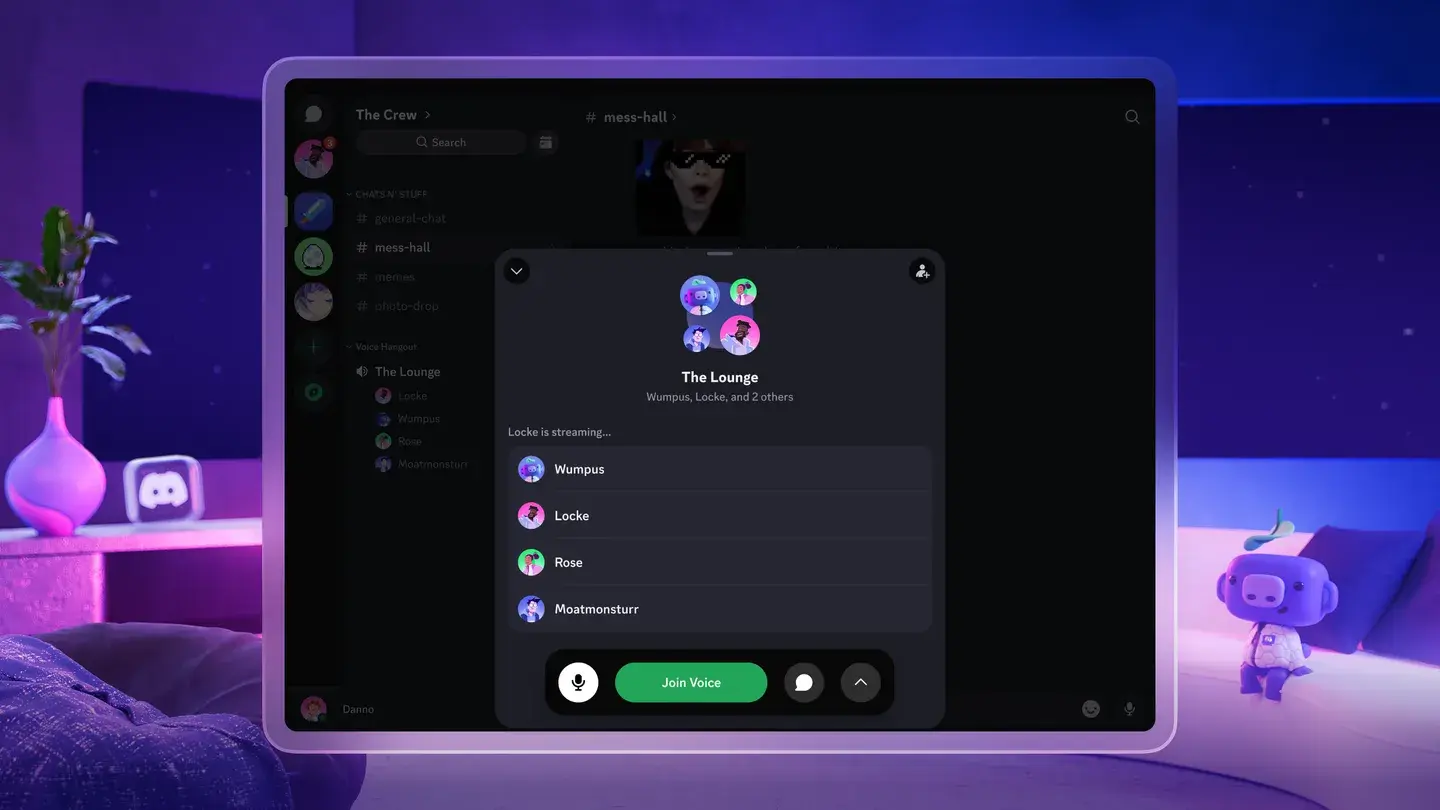
The problem with the Discord app for Quest is that it just doesn’t work all that well, particularly the streaming feature.
The app is currently sitting at 3 stars on the Meta Horizon Store, with reports of it randomly causing your running VR game to crash, alongside significant bugs and hitches.
UploadVR’s Mike Johnson tested the streaming and found that while friends said the quality was fine, it frequently caused crashes. In Asgard’s Wrath 2 and TMNT: Empire City everything would crash when a new location was loading, while in Deadpool VR heavy fight sequences took it down.
It sounds like the Discord app for Quest currently requires a lot of RAM, and Quest 3’s 8GB may simply be reaching its limit.
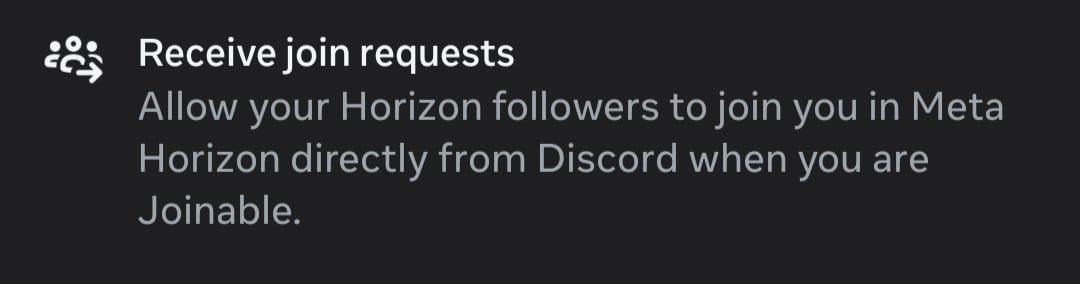
Meta and Discord seem set to keep working on the app, though. XR enthusiast Luna reports that the two companies recently added a permission referencing being able to join Quest multiplayer sessions from Discord, suggesting an even deeper integration between the two platforms could be coming soon – hopefully alongside improvements to the app.